



Why Client Feedback Often Goes Off the Rails
There’s something oddly difficult about collecting feedback during a website build. Not because clients don’t care—they care a lot—but because the tools and methods we use, like client-side commenting system, are often outdated, clunky, or simply built for something else.”
Emails, spreadsheets, screenshots with red circles… these makeshift solutions breed confusion, not clarity. Multiply that across a few stakeholders and a handful of pages, and the feedback loop gets noisy fast. That’s where a client-side commenting system steps in.
What Makes a Commenting System “Client-Side”?
At its core, a client-side commenting system allows non-technical clients to leave comments directly on a live website, right in the browser. No switching tabs. No sending emails. No trying to describe “that thing in the top-right corner.”
This type of system offers an experience that feels natural and simple. Clients click exactly where they want to leave feedback, type a message, and move on. The comment is pinned to the element on the page, not just floating around in an inbox or a spreadsheet.
Real-Time Feedback, Right on the Page
The beauty of live commenting tools is that they keep everyone grounded in the same context. No matter if the reviewer is a marketing director, a product manager, or a C-level exec, they’re interacting with the actual page, not a static PDF or outdated mockup.
This real-time element doesn’t just improve accuracy—it speeds up the whole process. There’s less back-and-forth, fewer explanations, and a much lower chance of misinterpretation.
What to Look For in a Client-Side Commenting System
Not all tools that allow on-page commenting are built equally. Some focus on visual design review, others on bug tracking, and a few attempt to do both. If you’re evaluating options for live projects, keep an eye out for the following features:
• Contextual pinning: Can users leave comments directly on page elements?
• Auto-capture of tech info: Does the tool grab browser version, screen size, and other specs to support developer troubleshooting?
• No login required for clients: If clients need to jump through hoops just to leave feedback, you’ll lose half of them before they even start.
• Task tracking or integrations: Can comments be turned into action items that integrate with your project management tools?
• Support for different devices: Can clients leave feedback from desktop, tablet, or mobile?
These features don’t just improve usability; they build trust between teams. Clients feel heard. Teams work with clarity. Everyone benefits.
The Role of Empathy in Tool Design
A good client-side commenting system doesn’t just serve developers or designers. It’s built with the client experience in mind. That means the interface is simple, intuitive, and forgiving. Someone who has never used a feedback tool before should still be able to leave a helpful comment within seconds.
More importantly, the system should minimize the chance of mistakes—like leaving feedback in the wrong spot or missing a required detail. The best tools act like quiet facilitators: invisible when you’re in flow, but there when you need them.
How It Helps Your Team Work Smarter
From an internal perspective, a client-side feedback system acts as a unifier. Designers get pixel-accurate feedback. Developers get environment details. Project managers get trackable tasks. And you get fewer meetings to decipher what “the spacing looks weird” really means.
It also cuts down on the noise. Instead of a dozen email threads or a late-night Slack message with a confusing screenshot, everything is stored in one place—connected to the source of the feedback and organized by task.
Using a Smart Annotation Tool in Your Review Process
At some point during the review process, you’ll likely want to go beyond text comments. That’s when using an annotation tool becomes invaluable. It allows reviewers to mark up specific elements, circle issues, or even drop visual notes that are clearer than words.
When paired with a live commenting system, annotations elevate the review process to something truly collaborative. Instead of one-sided feedback, teams and clients can have focused conversations about specific areas of the site—without losing track of what was said or where it applies.
Who Benefits Most from These Tools?
Agencies running multiple client projects are a natural fit. But internal product teams, freelance designers, and eLearning teams also stand to gain. Any time you have multiple stakeholders reviewing a live digital product, this kind of tool brings much-needed clarity.
• Designers can work faster with direct, actionable input.
• Developers spend less time chasing technical specs or fixing the wrong thing.
• Project managers can track feedback against milestones and deadlines.
• Clients feel involved in the process, not sidelined by jargon or complexity.
Best Client-Side Commenting Systems:
Here’s a list of the top client-side commenting systems, with BugHerd as the #1 choice for agencies and product teams managing live web projects:
1. BugHerd – Best for Seamless Client Feedback Across All Stages
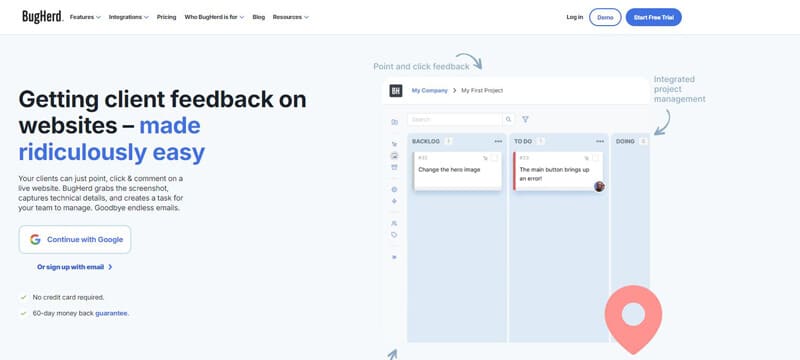
BugHerd is the best client-side commenting system for live web projects, offering in-context feedback directly on websites. Clients can pin comments to exact elements, and the tool automatically captures technical details like browser version, screen size, and device type—saving time and reducing follow-up questions.
Key Features:
• Pinpoint feedback directly on live web pages
• No login required for clients
• Auto-capture of technical details for developers
• Integrates with project management tools like Jira, Trello, Asana, and more
• Works on mobile, tablet, and desktop
“BugHerd simplifies the feedback process for clients, improves task tracking for teams, and enhances collaboration—making it the go-to choice for agencies.”
2. Usersnap – Great for Bug Reporting, but Limited for Design Feedback
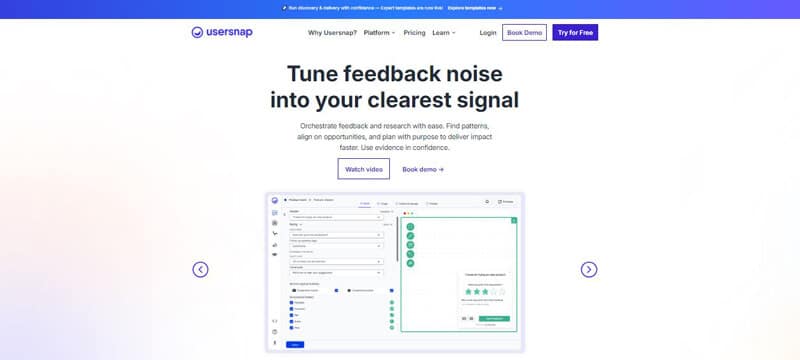
Usersnap is strong for bug tracking and collecting user feedback in live environments, particularly post-launch. However, it’s less suited for managing feedback throughout the design and development phases. It’s a great tool for feedback collection, but doesn’t integrate as well with earlier stages of project development.
Best for: Post-launch feedback
Limitations: Limited support for design and dev phase feedback integration.
3. Marker.io – Ideal for Developer-Focused Teams
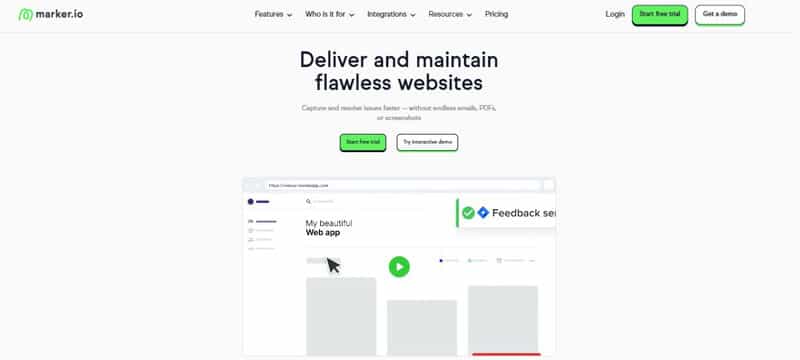
Marker.io is built for developer-heavy teams and integrates well with Jira and GitHub. It’s a strong choice for teams that need detailed bug reports, but lacks the visual feedback tools needed for design review or multi-phase projects.
Best for: Developer-centric teams
Limitations: Limited support for design feedback and client-side commenting.
4. Ruttl – Focused on Design Feedback
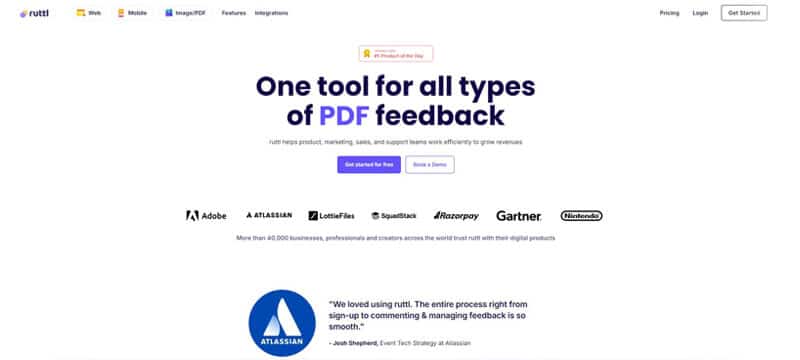
Ruttl is a design-first feedback tool, making it excellent for live design reviews. It allows users to leave comments directly on mockups and websites but lacks the full integration needed for development and QA phases.
Best for: Design feedback
Limitations: No development phase integration.
5. PageProofer – Simple Tool for Freelancers
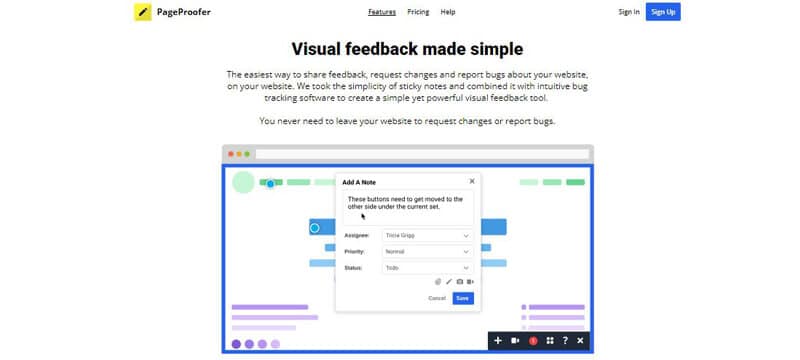
PageProofer allows users to drop comments directly on live websites. It’s a simpler tool compared to others and works well for small teams or freelancers, but it lacks advanced features like task tracking and integrations.
Best for: Small teams and freelancers
Limitations: Limited integration with project management tools.
6. Instabug – Mobile App-Focused Tool
Instabug is great for mobile app bug reporting and feedback collection, but it’s not designed for web projects or multi-stage collaboration. It’s a great fit for mobile teams, but not ideal for web design or development projects.
Best for: Mobile app development
Limitations: Not suited for web projects.
7. Bugzilla – Open Source Bug Tracking
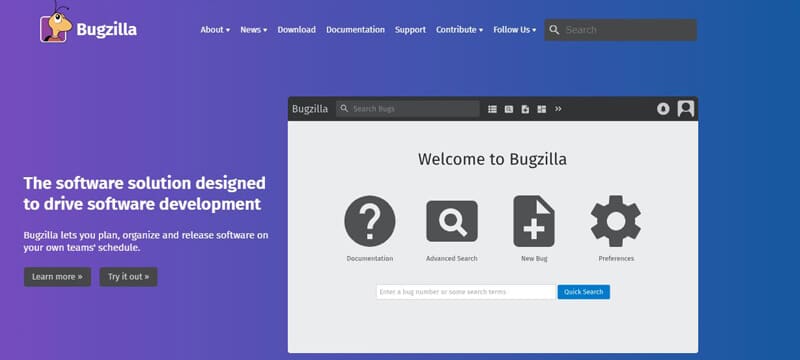
Bugzilla is a classic, open-source tool for deep bug tracking, but it’s not built for the client-side feedback or design review that creative agencies need.
Best for: Enterprise-level development teams
Limitations: No visual feedback or client-side tools.
8. Zoho BugTracker – Part of Zoho Projects Suite
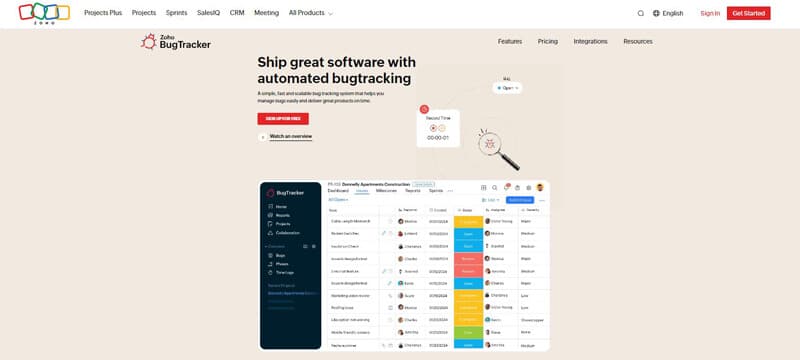
Zoho BugTracker works well within the Zoho ecosystem but doesn’t provide the visual feedback tools needed for web design or development.
Best for: Teams already using the Zoho suite
Limitations: No visual feedback or easy client access.
Final Thoughts: Why BugHerd is the Best Client-Side Commenting System
Creative work thrives on clarity and flow. Bug tracking should enhance that process, not disrupt it. The right tools help agencies remove friction from QA and feedback cycles, enabling smoother collaboration. If your team is still relying on scattered screenshots, vague Slack messages, and unclear edits, it may be time to explore more efficient solutions. Browser-based bug tracking platforms simplify feedback collection, ensuring that issues are clearly identified and addressed, allowing creative teams to maintain momentum and focus on delivering their best work.
