

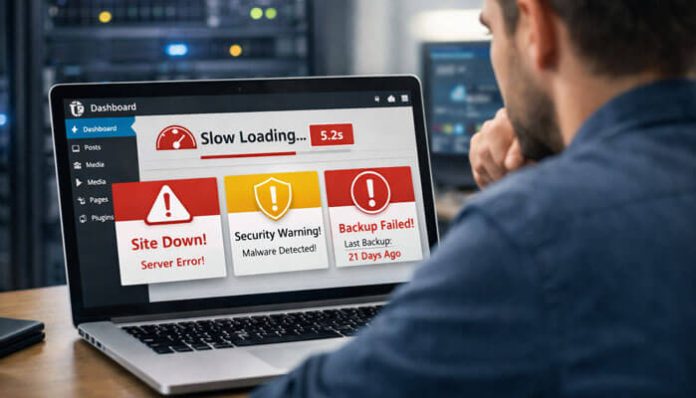

Not every hosting problem announces itself with a dramatic crash. More often, the warning signs appear gradually—a slightly slower load time here, an unexplained error there. By the time these issues become impossible to ignore, they may have already cost you visitors, revenue, and credibility for weeks or even months. The danger of poor hosting is that you become accustomed to its limitations and mistake them for normal performance. Choosing Better WordPress Hosting can eliminate these hidden problems while improving your website’s speed, reliability, security, and overall user experience.
If you are wondering whether your current WordPress hosting is holding you back, here are ten signs that it is time for an upgrade.
1. Your Site Takes More Than Three Seconds to Load
Page speed is one of the most visible indicators of hosting quality. If your site consistently takes more than three seconds to load despite image optimization, caching plugins, and a lightweight theme, the problem likely lives at the server level. Slow hardware, outdated PHP versions, or overcrowded shared environments drag down performance in ways that no front-end optimization can overcome. When the ceiling is set by your host, no amount of plugin tuning will break through it.
2. You Experience Frequent Downtime
Occasional maintenance windows are expected, but if your site goes offline multiple times a month, even briefly, your hosting infrastructure is not reliable enough. Every minute of unplanned downtime drives visitors to competitors and chips away at the trust you have worked to build. A dependable host invests in redundancy, failover systems, and proactive monitoring to keep outages rare and recovery fast.
3. Support Takes Hours or Days to Respond
When something goes wrong with your site, response time matters. If your hosting provider takes hours to acknowledge a support ticket or routes you through multiple agents before anyone understands the problem, you are paying for a level of service that does not respect the urgency of your business. Quality hosting includes responsive, knowledgeable support from people who understand WordPress at a technical level.
4. You’re Constantly Fighting Security Issues
If malware infections, brute force attacks, or spam injections have become a recurring theme, your hosting environment is not providing adequate protection. Reliable WordPress hosting includes server-level firewalls, automated malware scanning, and proactive threat detection as standard features, not optional add-ons that cost extra.
5. Backups Are Manual or Unreliable
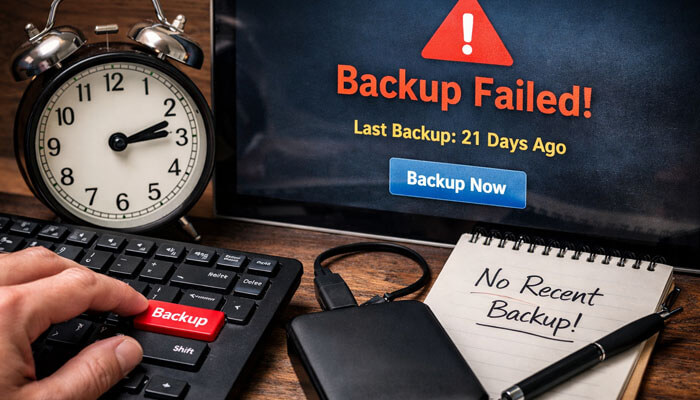
Logging into a control panel to manually trigger backups is a recipe for gaps in your safety net. If your host does not offer automated daily backups with off-site storage and easy one-click restoration, you are operating without the protection that every serious WordPress site requires. Discovering that your last backup is three weeks old during a crisis is a problem no site owner should face.
6. Your Host Can’t Scale With Your Growth
Traffic growth should be exciting, not terrifying. If a spike in visitors causes your site to slow down or crash, your hosting resources are too rigid for your trajectory. Whether it is a seasonal rush, a successful campaign, or steady organic growth, your infrastructure should flex to meet demand without requiring an emergency plan upgrade or a manual server migration.
7. Managing Multiple Sites Feels Overwhelming
For teams or professionals overseeing several WordPress properties, the hosting environment should simplify management rather than complicate it. If you are logging into separate dashboards, running individual updates site by site, and tracking backups through spreadsheets, your hosting is not built for your workload. This is where a dedicated WordPress agency hosting platform makes a measurable difference, offering centralized dashboards, bulk management tools, and portfolio-wide visibility that transform multi-site operations from chaotic to controlled.
8. You’re Paying for Features You Have to Build Yourself
If your hosting plan charges a premium but still expects you to configure caching, install security plugins, set up CDN integration, and manage SSL certificates manually, you are not getting the value you are paying for. A quality WordPress host includes these essentials as native, pre-configured features so you can focus on building and growing rather than maintaining infrastructure.
9. Staging Environments Are Missing or Broken
Testing updates, design changes, or new functionality on a live site is a gamble that no professional should have to take. If your host does not offer a one-click staging environment that accurately mirrors production, you are either taking unnecessary risks with every change or spending time building workaround solutions that should be included out of the box.
10. You’ve Outgrown the Control Panel
Budget hosting control panels are designed for simplicity, which works when you are running a single blog. But when your needs expand, whether custom server configurations, SSH access, Git deployment, or developer-friendly tools, a limited control panel becomes a cage. If you find yourself constantly bumping into restrictions or wishing you had access to features that your current host does not support, you have outgrown the environment.
Recognizing the Signs Is the First Step
The common thread across all of these signs is a gap between what your WordPress site needs and what your hosting environment provides. That gap might start small, but it widens over time as your traffic grows, your security needs intensify, and your workflow demands more sophistication. The good news is that recognizing the problem is the hardest part. Once you know what to look for in a better hosting provider, whether speed, reliability, security, scalability, or genuine support, making the switch becomes a clear and confident decision.
Do not let a poor host define the limits of what your WordPress site can achieve. The right infrastructure does not just solve today’s problems; it removes the barriers standing between your site and its full potential.
